Change Image DPI — Free Online DPI Converter
Change image DPI for print or web. Fast, free, and private.
How It Works
Upload Your File
Drag and drop or click to select your file.
Panda Processes It
Everything happens instantly in your browser — no uploads.
Download Your File
Your processed file is ready. Click download and you're done.
Frequently Asked Questions
What is DPI and why does it matter?
Does changing DPI change the image quality?
What's the difference between DPI and resolution?
How do I make an image 300 DPI for printing?
Is it safe to change DPI online?
What image formats are supported?
About Change DPI
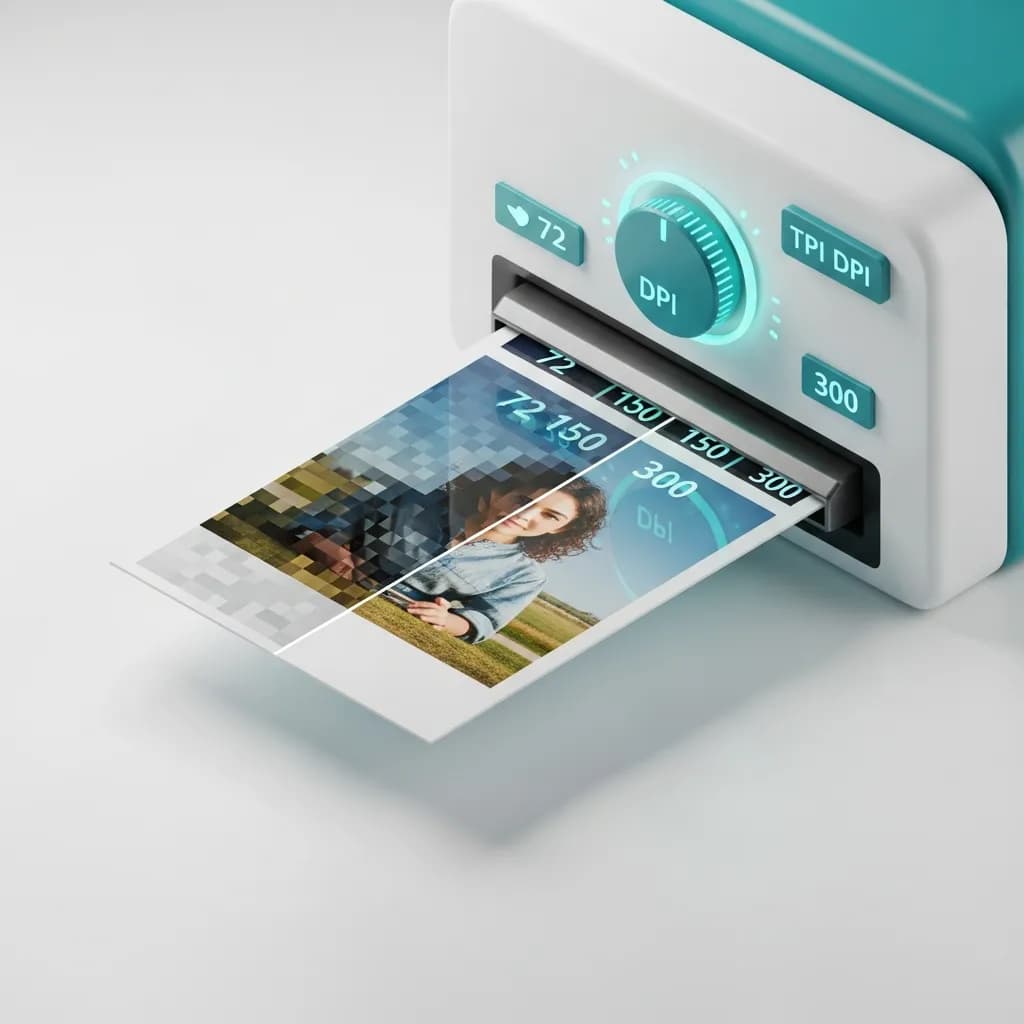
PandaToolz Change DPI modifies the DPI (dots per inch) metadata of your JPG and PNG images. DPI determines how large an image prints physically — a 3000-pixel-wide image at 300 DPI prints at 10 inches, while the same image at 72 DPI prints at over 41 inches. Print shops, publishers, and many upload portals require specific DPI values, most commonly 300 DPI for professional print quality. The tool offers two modes. In the default metadata-only mode, it changes the DPI tag embedded in the file without touching any pixels. This is what most people need — it tells printers and software how to interpret the existing pixels. In resize mode, the tool resamples the image to match a specific physical print size at your target DPI. For example, you can ensure an image prints at exactly 8 by 10 inches at 300 DPI by resampling it to 2400 by 3000 pixels. Presets are available for the most common DPI values: 72 for web and screen, 150 for general documents, 200 for standard print, and 300 for high-quality professional print. You can also enter any custom DPI value. The tool reads and writes DPI metadata natively — EXIF and JFIF headers for JPG files, and pHYs chunks for PNG files. All processing happens in your browser. Your image never leaves your device and is never sent to any server. This makes it safe to adjust DPI on personal photos, design files, or any confidential content.